Learn how to generate and download a PDF preview in Realworks, including the final document, annexures, and uploaded customer files.
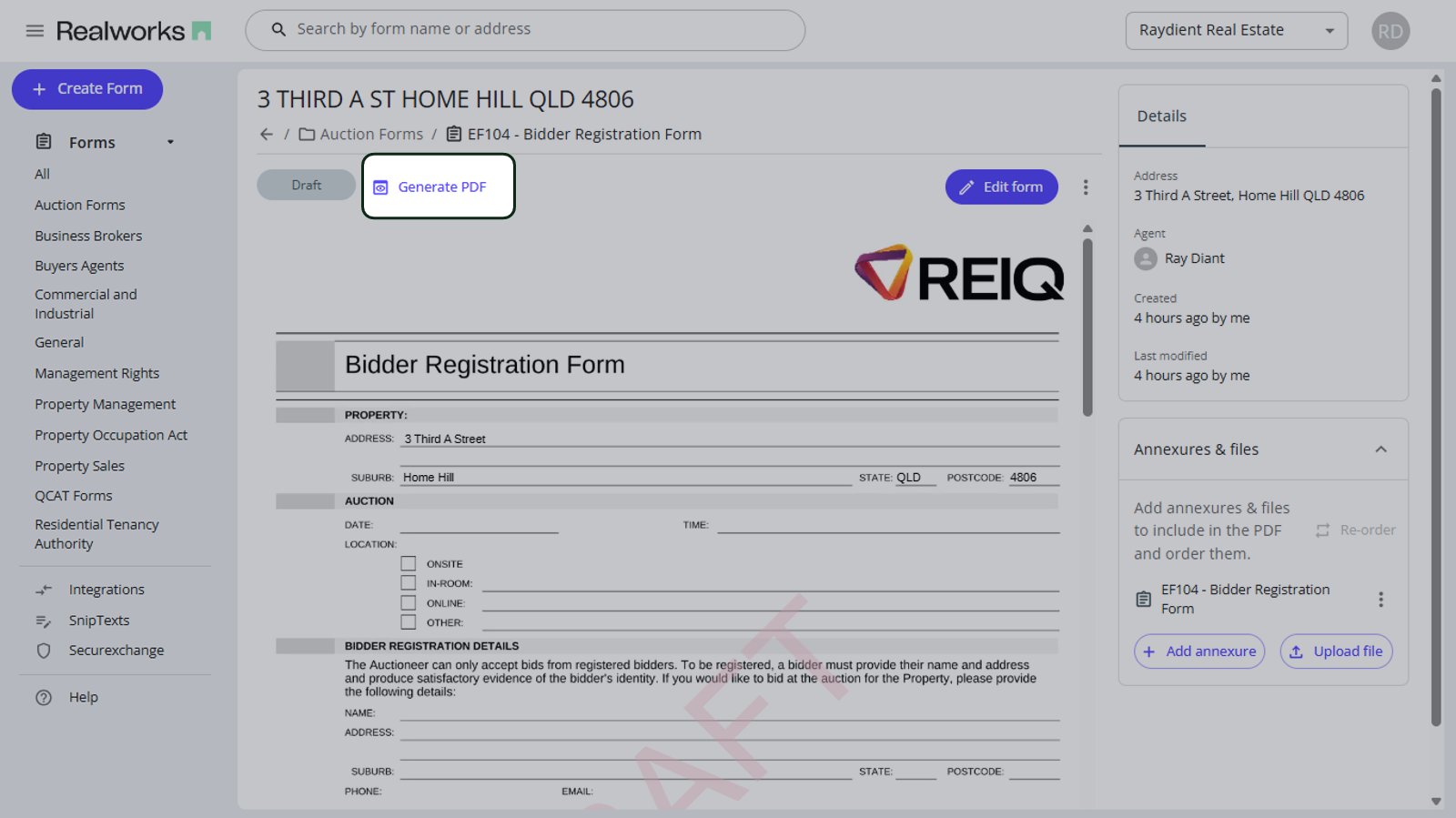
To generate and download a PDF preview, select ‘Generate PDF‘ next to the form’s status chip. This will display the final document, including annexures and any uploaded customer files.
You can then save the file to your computer, then email or print it from there.