
Learn how to use a form template to create a new form with prefilled fields.
Form templates enable you to prefill standard information, ensuring consistency across the organisation as well as saving people time. Anyone can create and use templates.
Interactive Guide #
Click ‘Get Started’ to see how:
Step by Step Guide #
- Click ‘Create Form’ as you usually would.
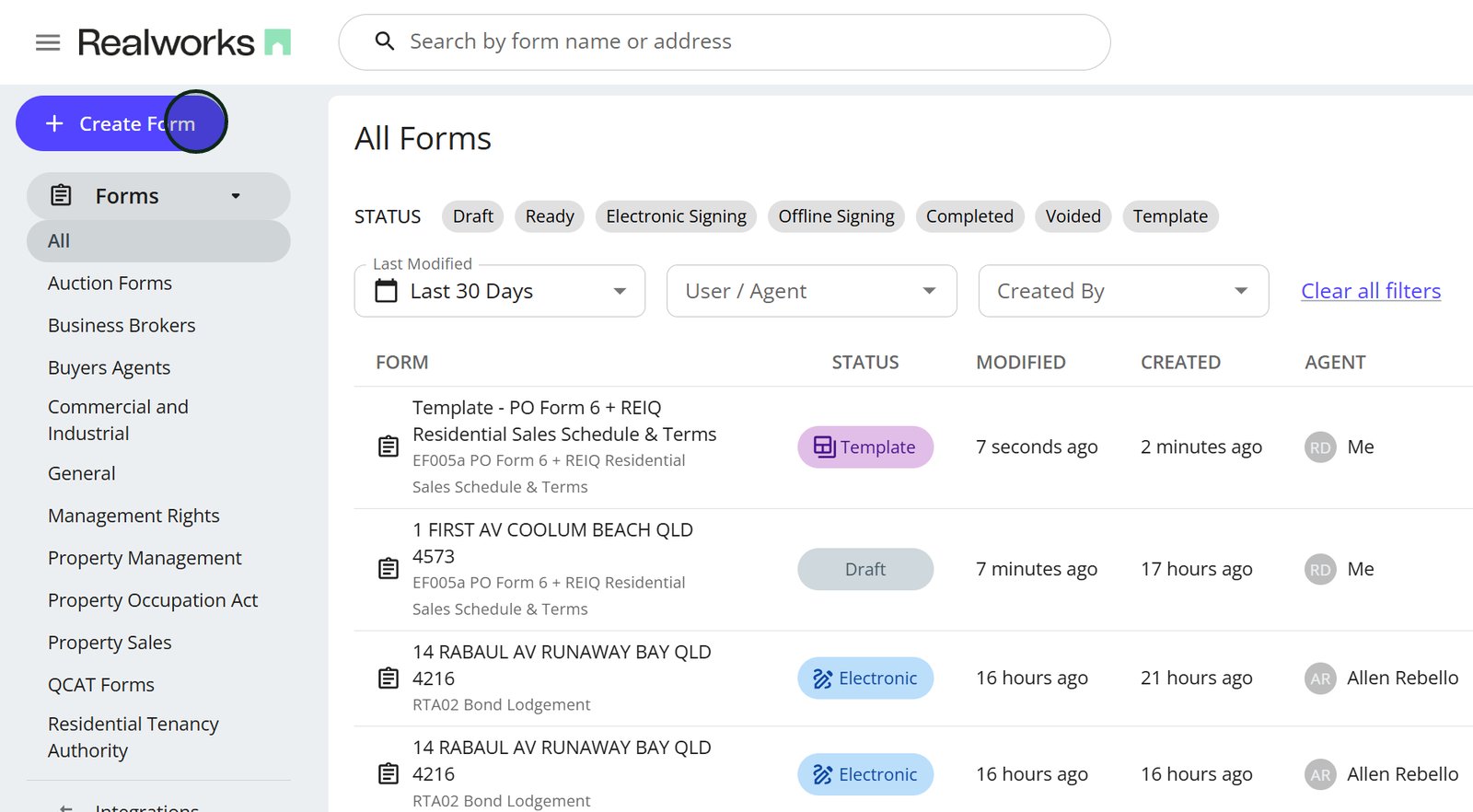
2. Switch to the Template tab to build your form from a saved template instead of starting blank.

3. Use the dropdowns to find the template you are looking for.

4. Here we’ve selected Form EF005a and one template was available.
Click next

5. From here, the process is the same as when creating a from from scratch.
Add the address and click ‘next’.

6. Assign an agent.

7. Name your new form and click ‘Create form’.

8. Here is the new form, created using the template.
Edit and proceed as you normally would.
