
Download Inspect by Realworks from the App Store and sign in with your Realworks account.
Install the app #
- Click here to access the App Store page
- On your iPhone or iPad, open the App Store.
- Search for Inspect by Realworks, then tap Get.
Sign in #
- Open Inspect.
- Sign in with your Realworks account details.
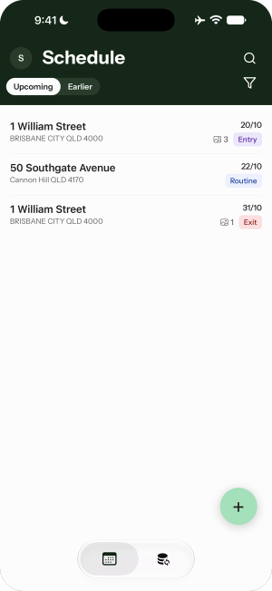
- The Schedule tab opens. Inspections scheduled for you appear under Upcoming.
Your profile and team #
- On the Schedule tab, tap your initial at the top left to open Profile.
- You’ll see the account you’re signed in with and your Team (your Realworks office).
- To sign out, tap Sign out.